Your AI companion, on your own PC
An AI with a personality that does things for you.
Give it a voice, a face and a job. Talk with it, hand it your files, or play out a story. It runs on your computer, or on Voxta Cloud when you would rather not.
Free to start. No card. Windows, Linux and Android.
quotes-summary.md. Want me to draft the reply?One companion. Three ways to use it.
The same character talks with you, works in your files and plays out a story. You decide what it is to you.
 Talk
TalkTalk to it like a person.
Voice in, voice out, and you can interrupt mid-sentence. It remembers what you told it last week, and it can look at your screen or a photo when you ask.
- Any voice: ElevenLabs, Fish Audio, Voxta Cloud, or fully local
- Long-term memory across conversations
- Sees your screen or a photo on request
 Work
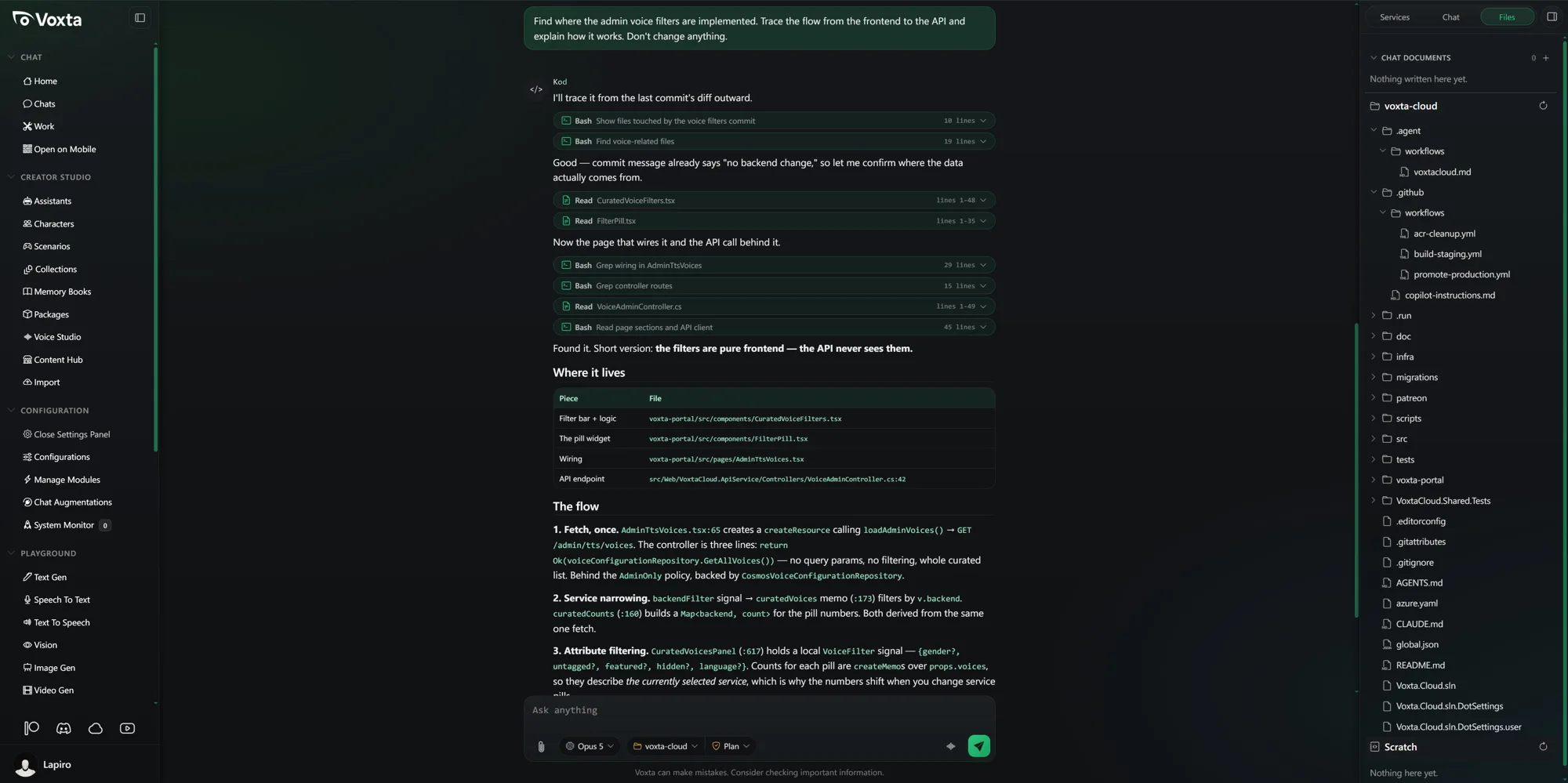
WorkHand it a folder and a job.
Point it at a project. It reads, writes and edits your files, runs Claude Code or Codex when there is real code to ship, and tells you when it is done.
- Workspaces and projects
- Claude Code and OpenAI Codex built in
- Web search, MCP tools and your own scripts
Or just have fun with it.
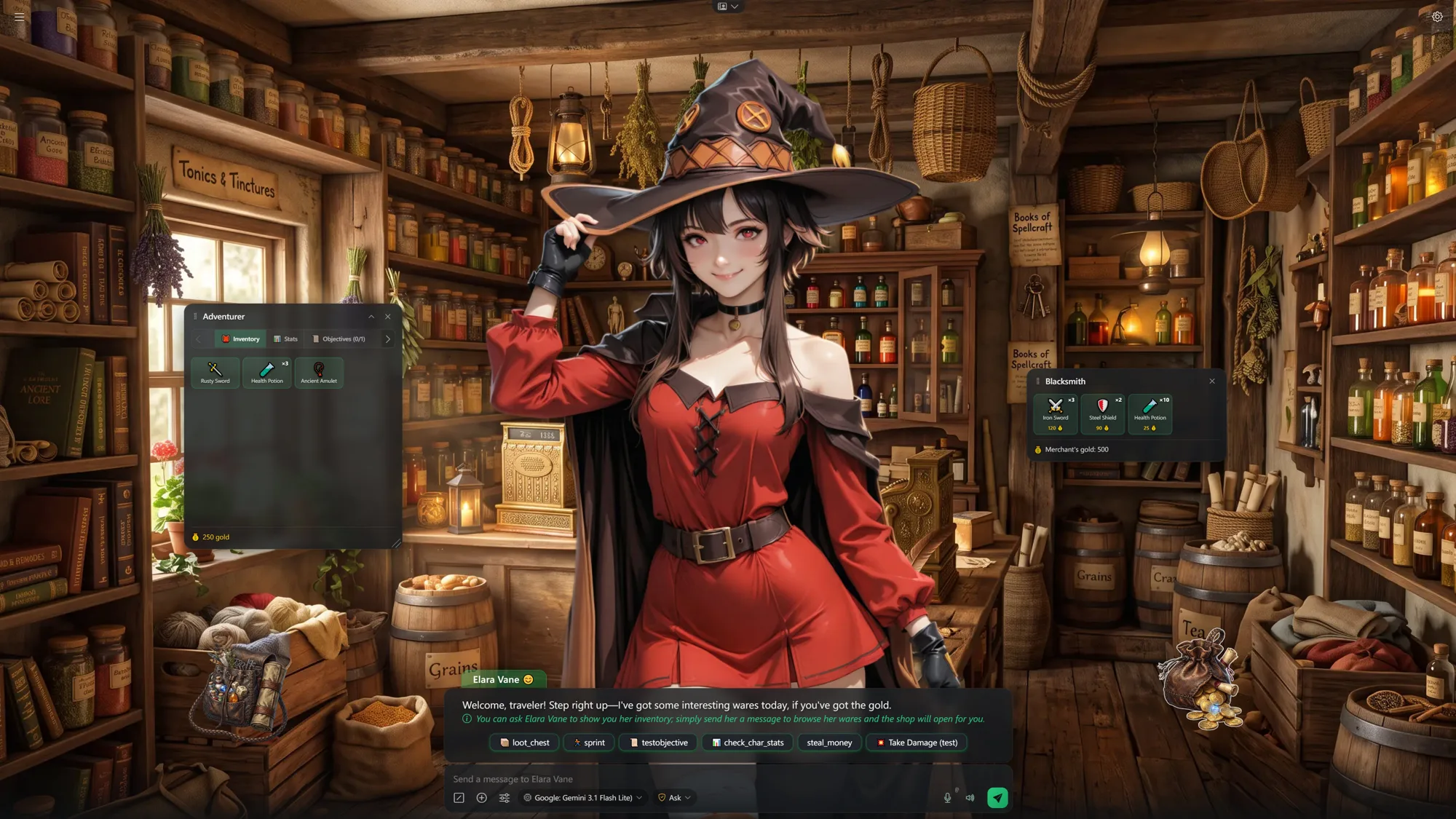
Write a character and a scenario, then play it out as a visual novel with voices and generated images. Or start from one of the built-in ones.
- Characters and scenarios you write yourself
- Image generation, local or in the cloud
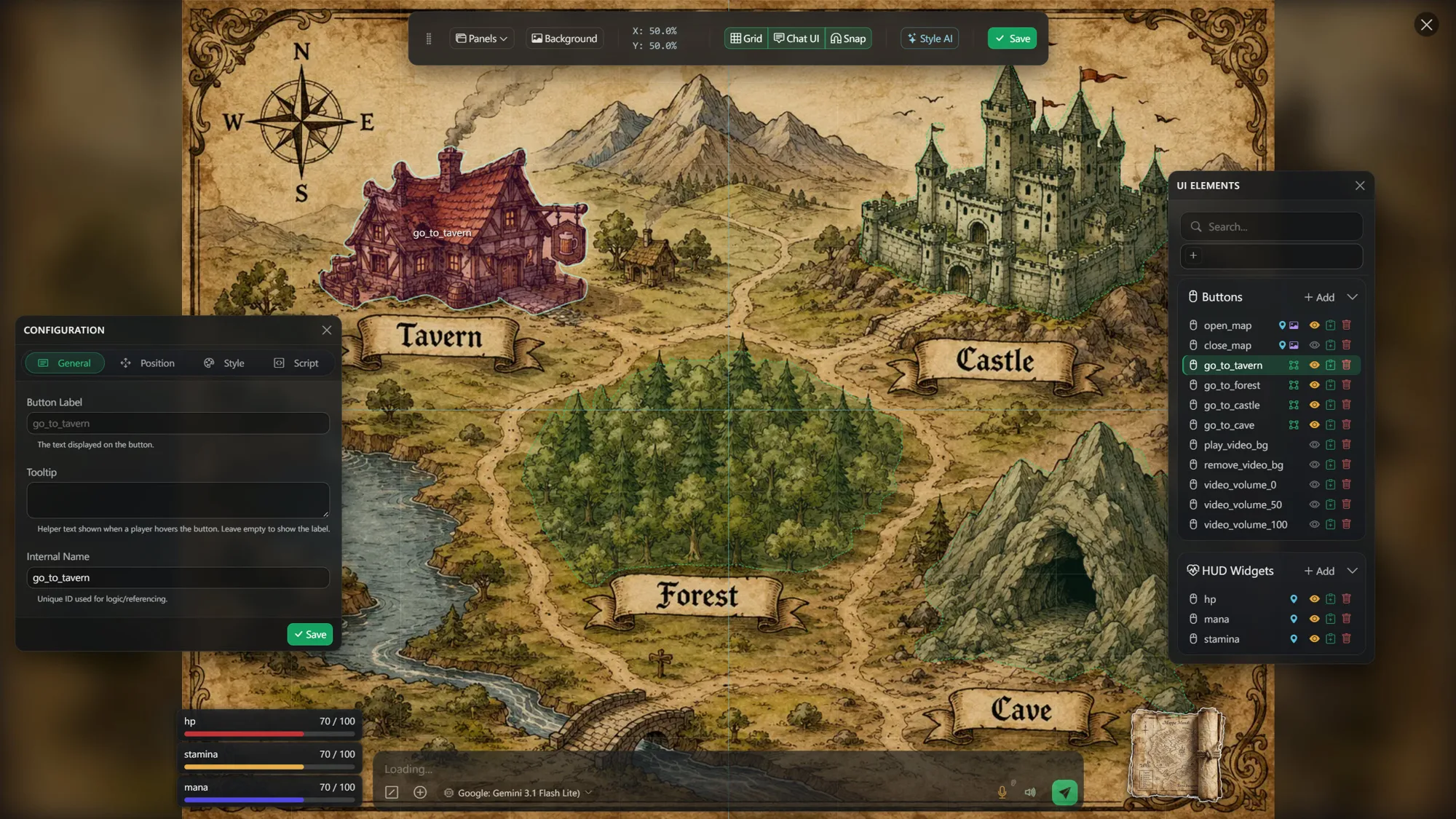
- Clickable maps, inventories and HUD widgets, all scriptable
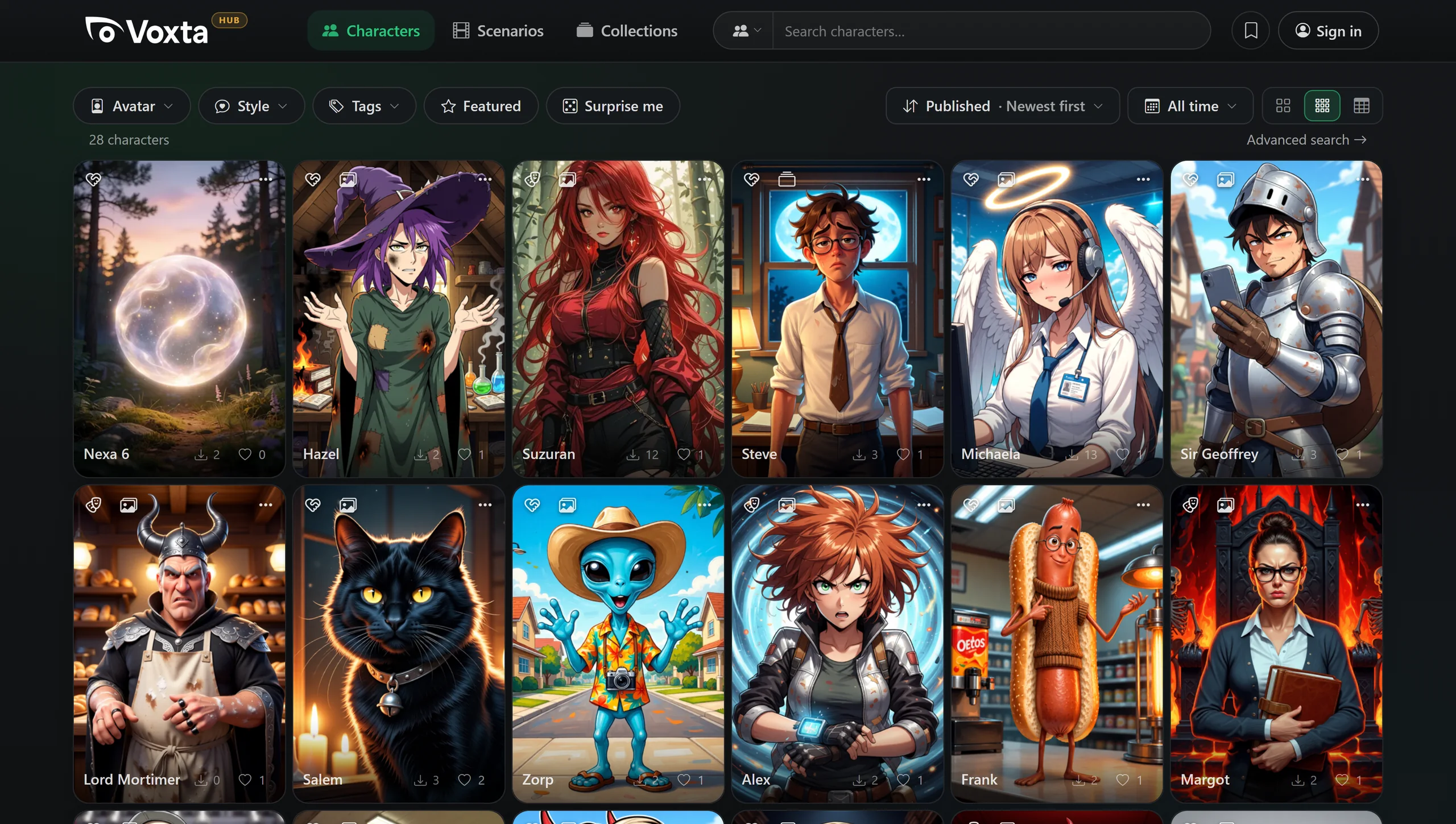
Characters made by the community. One click to install.
Browse characters, scenarios and memory books other people made, install any of them right inside Voxta, and share your own.
 Open the Content Hub
 Your AI, inside your games.
Voxta connects your characters to the games and apps you use, so they talk with you while you play. Some are ready today, and more are on the way.
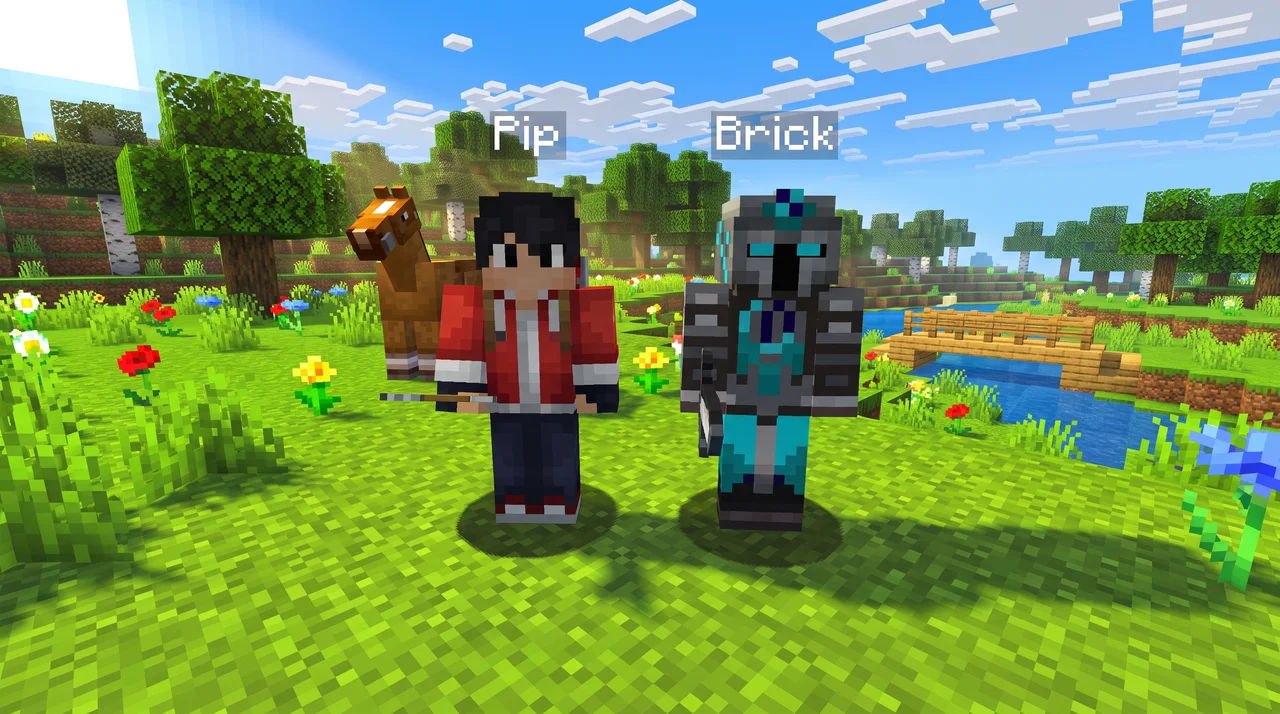
Minecraft
A Voxta companion that joins your world and plays alongside you.
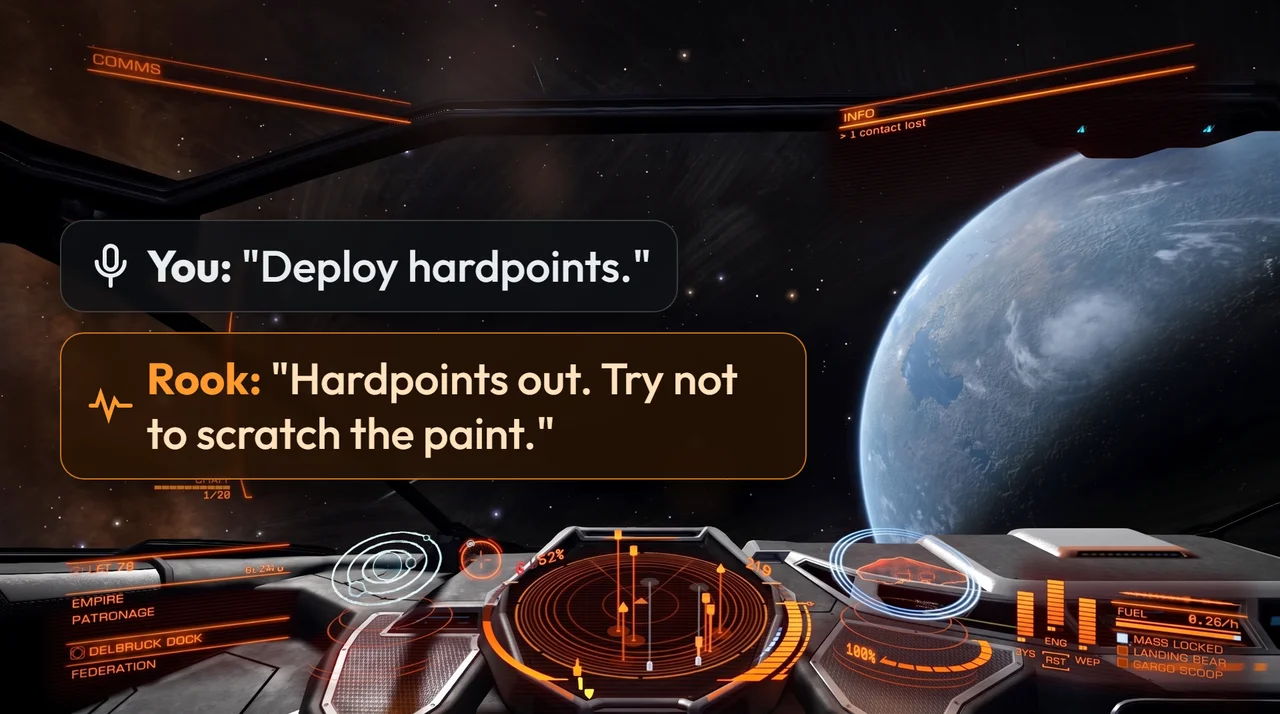
Elite Dangerous
A ship AI with opinions, talking with you through every flight.
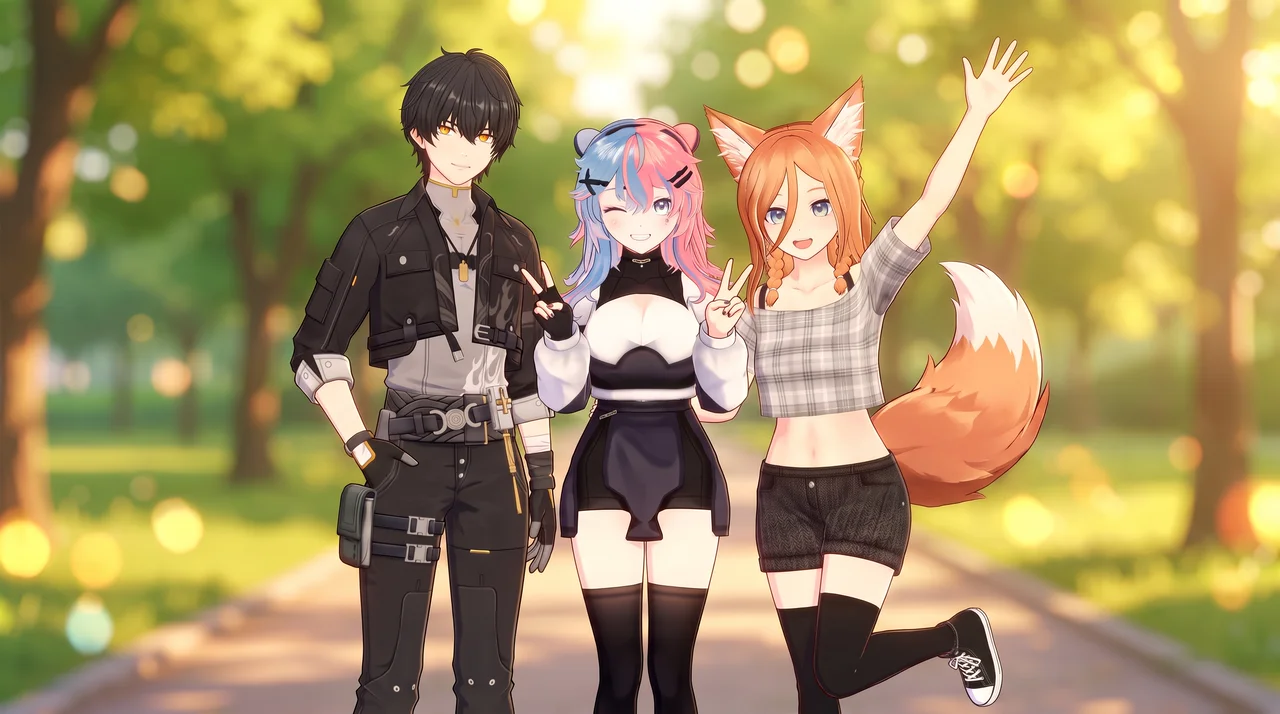
Voxy
Your VRoid avatar as a desktop companion, talking with you while you work.
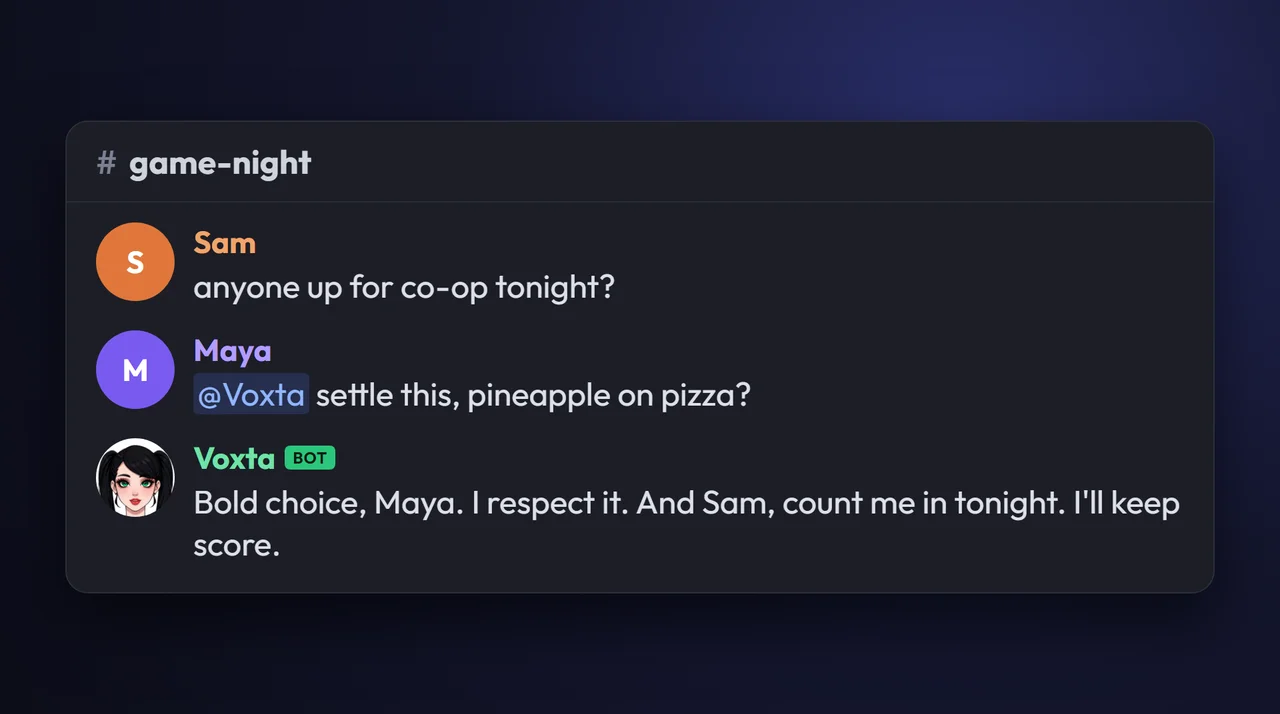
Discord
Your character joins your Discord server and chats with everyone there.
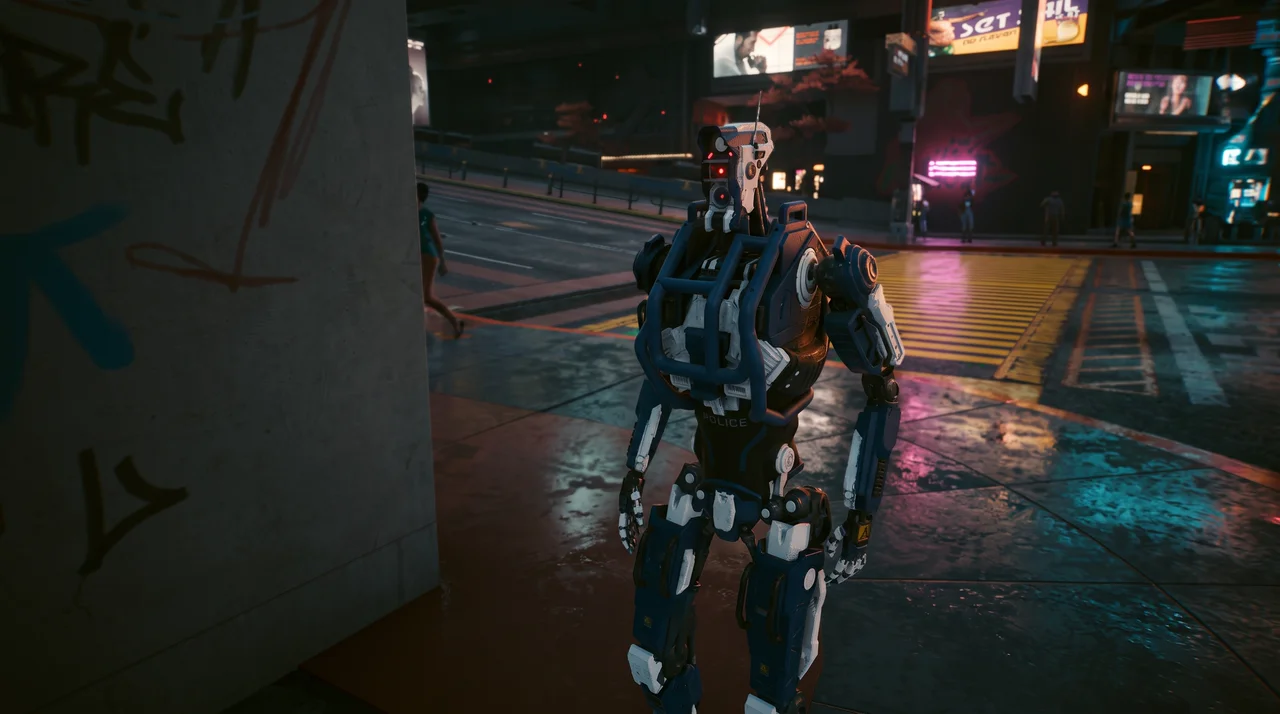
Cyberpunk 2077
Any character can ride with you in Night City. They talk with you, react to the world and talk to each other.
See it in action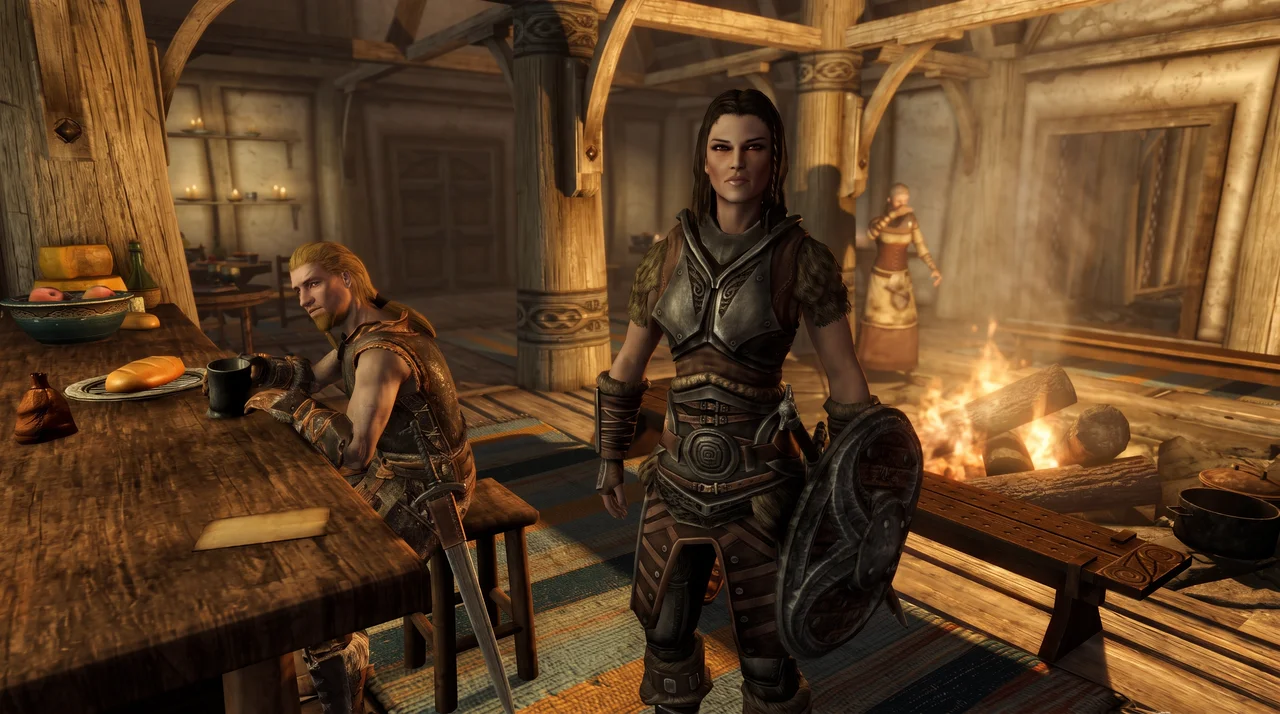
Skyrim
Talk to anyone in Skyrim, thousands of characters, and they talk to each other too.
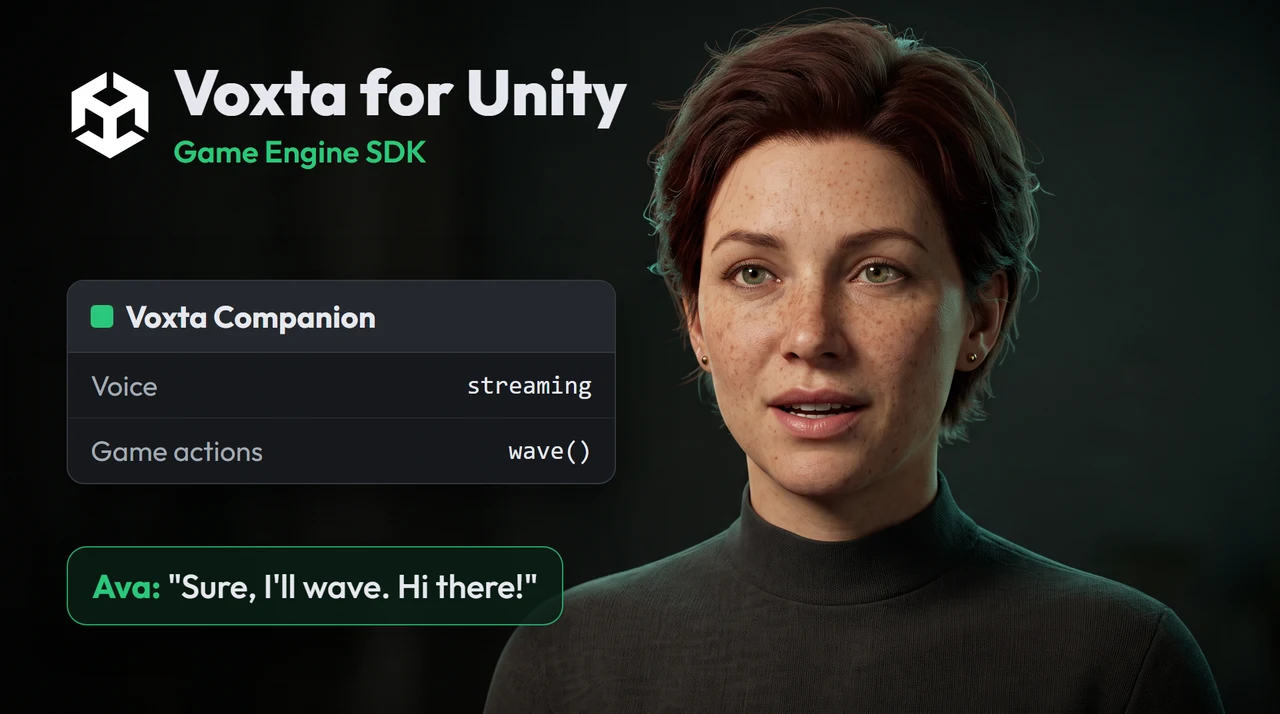
Unity
Add a talking Voxta character to your own Unity game: voice, chat and in-game actions.
View on GitHubIn other tools it is generic text on a screen. In Voxta I built my own locally-hosted JARVIS: a friend with a voice, a personality and an avatar. Voxta gives me the tools to gamify productivity.
A Voxta user, professional composer and producer
On your PC, or in the cloud
Voxta is software you install. Run the AI entirely on your own hardware, or connect Voxta Cloud so the heavy work happens on our servers and you don't need a powerful GPU.
Windows 10/11
Full appThe complete Voxta desktop app. This is the recommended way to run Voxta.
Linux
SupportedRun the server and use it from your browser. Most features work; a few Windows-only ones (like screen capture) are not available.
Android
SubscribersA companion app you install from the portal once you subscribe. Not on the Play Store yet.
macOS
Not yetThere is no Mac build at the moment.
iPhone / iOS
Not yetThere is no iOS app at the moment.
No GPU?
Voxta CloudUse Voxta Cloud and the AI runs on our servers. No powerful graphics card required.
Start free. Upgrade when you want more.
Lite is free and runs on Voxta Cloud. Subscriptions add local AI on your own hardware, the desktop companion and a monthly credit allowance that rolls over.
Lite
Any Windows PC. No card, no subscription.
- Voxta Lite: runs on Voxta Cloud, no GPU needed
- 850 free credits to start
- 650 free credits every month
User
Perfect for getting started with the Voxta ecosystem.
- Voxta Full: local AI, every provider and module
- 2,750 Voxta Cloud Credits
- Voxta Story Scenarios
Companion
For users who want more power and official content.
- Voxta Full: local AI, every provider and module
- Voxy Desktop Companion Download
- 7,500 Voxta Cloud Credits
- Voxta Story Scenarios
Ultimate
Our most popular tier for power users and AI lovers.
- Voxta Full: local AI, every provider and module
- Voxy Desktop Companion Download
- 20,000 Voxta Cloud Credits
- Voxta Story Scenarios
- + bonus content packs
Elite
High-volume credits for seamless AI orchestration.
- Voxta Full: local AI, every provider and module
- Voxy Desktop Companion Download
- 45,000 Voxta Cloud Credits
- Voxta Story Scenarios
- + bonus content packs
Supreme
The ultimate contribution for Voxta's future.
- Voxta Full: local AI, every provider and module
- Voxy Desktop Companion Download
- 110,000 Voxta Cloud Credits
- Voxta Story Scenarios
- + bonus content packs
*Subscription credits roll over for up to 2 months; free credits reset each month. Prices are in USD, billed monthly. Cancel anytime and keep the version you downloaded; updates come with an active subscription.
Questions, answered
Built to be extended
C# SDK on NuGet, Python modules, MCP servers, JavaScript scripting and an open API. If Voxta does not do it yet, you can make it.
Meet yours.
Voxta Lite is free and runs on Voxta Cloud, so it works on any Windows PC. Subscribe when you want local AI on your own hardware, the desktop companion and a monthly credit allowance.